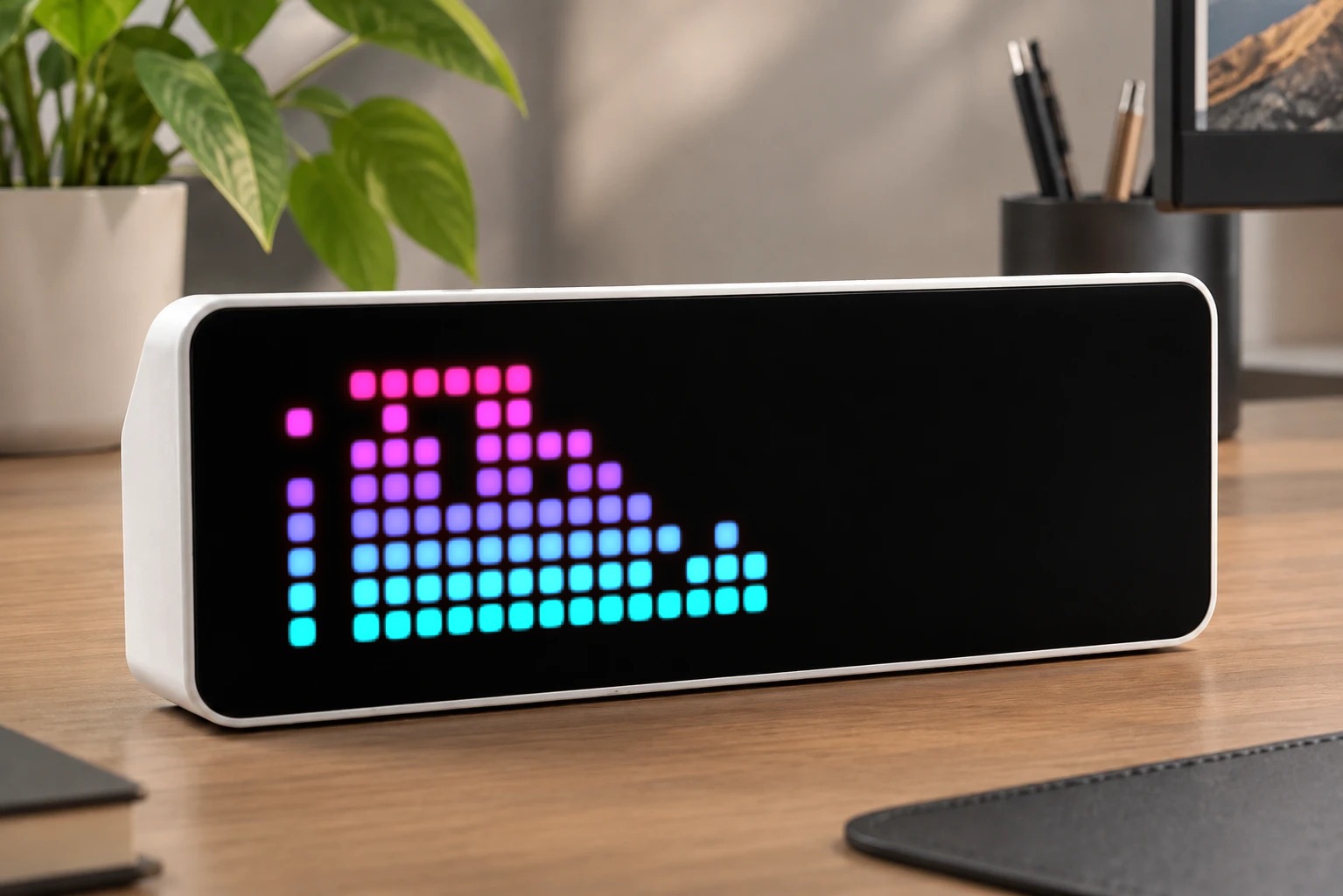
MusicVisualizer
System Audio Visualization
| System | AWTRIX NG Scripts |
|---|---|
| Firmware | AWTRIX NG |
| Topic | Gaming |
| Built by | Anthony |
| File | SW7R7DJsK9db.ax · 0.0 KB |
| Icons | — |
| Published | 7 Sep 2026 |
| Downloads | 1 |
** System Audio Visualizer** is a standalone single-file companion application for Windows. It captures the audio currently playing on your computer via WASAPI, calculates an FFT spectrum in real time, and sends a 32×8 full-color spectrum visualization to AWTRIX NG over your local network.
All audio data is processed locally on your computer. Nothing is uploaded to the Internet, and the application does not increase the size of the device firmware.
Download
How to Use
-
Download and double-click:
awtrix-music-visualizer.exe -
Enter the address of your AWTRIX NG device, for example:
http://192.168.31.126 -
Play music, videos, or any other audio on your computer. The AWTRIX display will automatically show the real-time audio spectrum.
-
Press
Ctrl+Cin the program window to stop the application. When the program exits, it will automatically remove the temporary visualization app from the AWTRIX device. -
While
awtrix-music-visualizer.exeis running, a music_visualizer app will automatically appear in the AWTRIX NG app list.The music_visualizer app will remain available for as long as the executable is running. Once
awtrix-music-visualizer.exeis closed, the app will automatically disappear from AWTRIX NG.
If you have any questions or run into any issues, feel free to contact me.
SW7R7DJsK9db.ax
no flowInstall it on your AWTRIX NG
Your browser writes the script straight to the device on your network. It joins the app rotation right away.
Some browsers refuse to talk to a device on your network from a public page. Download the flow and paste it into the Scripts tab of your device, or install it from a terminal:
More flows for AWTRIX NG Scripts or Gaming
Something wrong with this flow? Report it.